
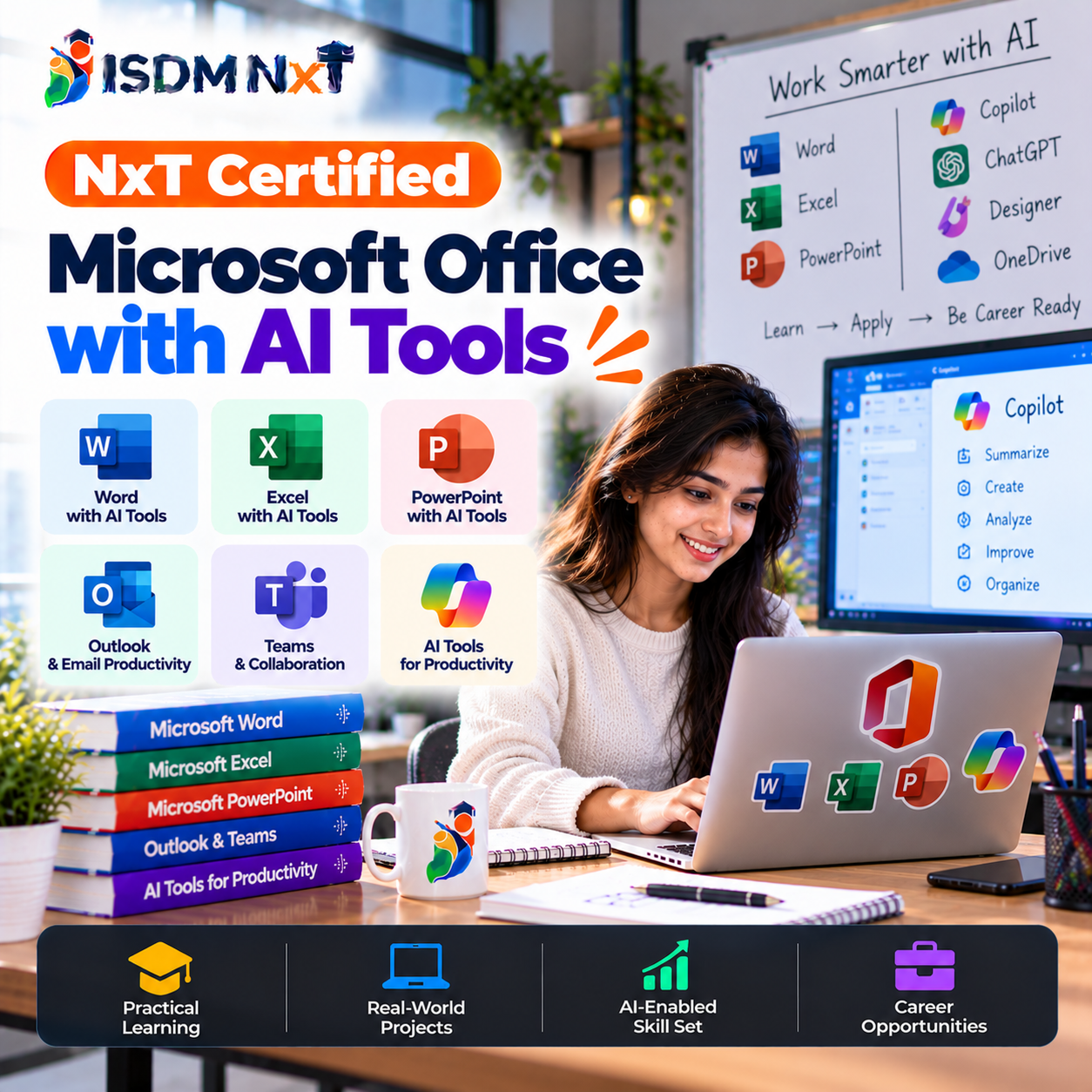
About this course
Enhance your skills with the NxT Certified Microsoft Office with AI Tools course. This comprehensive 3-month program is designed to equip you with the essential knowledge and practical skills needed to excel in using Microsoft Office applications integrated with cutting-edge AI tools.
- Learn the fundamentals of Microsoft Word, Excel, PowerPoint, and Outlook.
- Explore AI tools that can optimize your workflow and increase productivity.
- Engage in hands-on projects to apply your learning in real-world scenarios.
- Receive expert guidance and support throughout the course.
Tools you will master
Hands-on practice on the same software that companies use every day.
 Microsoft Word
 Microsoft Excel
 Microsoft PowerPoint
 Microsoft Outlook
 Google GeminiAI
 ClaudeAI
 Power AutomateAI
 ZapierAI
 PerplexityAI
 NotebookLMAI
What you will study, module by module
- Overview of Microsoft Office
- Introduction to AI concepts
- Benefits of AI in Office tools
- Getting started with Office 365
- Creating and formatting documents
- Using AI for grammar and style checks
- Collaboration features
- Templates and automation tools
- Data entry and formatting
- Using AI for data insights
- Creating charts and graphs
- Advanced formulas and functions
- Designing effective presentations
- Using AI for slide recommendations
- Embedding multimedia and graphics
- Practicing presentation delivery
- Managing emails efficiently
- Calendar and task management
- Automating repetitive tasks
- Using AI for email sorting
- Exploring Office 365 features
- Collaborative tools in Office 365
- AI tools for team productivity
- Integrating third-party applications
- AI Basics and Everyday Uses
- Generative AI: How It Works
- Prompt Engineering Foundations
- AI for Study and Workplace Tasks
- Fact-Checking and Reliable Research
- Privacy, Safety and Responsible Use
- Integrated Practice and Review
- Safe AI use and prompt basics for office work
- AI-assisted documents and email in Microsoft 365
- AI formulas, data cleaning and analysis in Excel
- AI presentations in PowerPoint and Google Slides
- Gemini in Google Workspace: documents, spreadsheets and email
- AI-assisted calendar, meetings and task management
- AI connectors and office-work automation
After this course you will be able to
- Proficient use of Microsoft Office applications
- Ability to integrate AI tools within Office applications
- Enhanced productivity through automation and AI features
- Creation of professional documents, presentations, and spreadsheets
Projects you will build
Develop a comprehensive Excel spreadsheet with AI-driven analytics.
Create a PowerPoint presentation utilizing AI design suggestions.
Draft a formal report in Word while incorporating AI-based grammar checks.
Set up an automated email campaign using Outlook and AI tools.
Jobs you can get after this course
Salary ranges are approximate for freshers in India and depend on city, company and your skills.
Who hires for these skills
Earn on your own
- Freelance administrative support
- Data analysis projects
- Presentation design services
- Email management for businesses
Is this course for you?
Best for
- 10th/12th pass students
- Graduates seeking skills
- Job seekers
- Working professionals
- Anyone wanting to upskill
Eligibility
Basic computer skills and familiarity with Microsoft Office applications are recommended.
What you get with ISDM NxT
Receive an ISDM NxT certificate upon successful completion, showcasing your skills.
How we help you get a job
- 1
Resume building workshops
- 2
Mock interview sessions
- 3
Access to job offers
- 4
Guidance for job applications
Your certificate & marksheet
After passing the final exam you receive an ISDM NxT certificate and marksheet like these. Tap to view.
Sample only - the real certificate carries your name, photo, marks, enrolment number and a QR code for online verification.
What next after this course
Questions students ask
The course lasts for 3 months.
Basic computer skills and familiarity with Microsoft Office are recommended.
Yes, you will receive a certification upon successful completion of the course.
The course fee is 10,000.